Start a private HMD instance on your own computer with local storage. If someone has already installed HMD for you, skip to Your First Wiki.
What you need
- A Linux, macOS or Windows computer, or Docker.
- An administrator password of at least 12 characters, kept in a password manager.
Remove HMD_ADMIN_USER and HMD_ADMIN_PASSWORD after the first start; see Authentication And Access.
You don't need a database, a Git hosting account or an AI service.
Option 1: Release binary
Every release publishes a binary per platform and a SHA256SUMS file on the releases page.
-
Download the latest release for this machine and verify it (Linux and macOS):
tag="$(curl -fsSLo /dev/null -w '%{url_effective}' https://github.com/soollabs/holdmydocs/releases/latest)"
tag="${tag##*/}"
os="$(uname -s | tr '[:upper:]' '[:lower:]')"
case "$(uname -m)" in x86_64|amd64) arch=amd64 ;; aarch64|arm64) arch=arm64 ;; esac
file="hmd-$tag-$os-$arch"
curl -fsSLO "https://github.com/soollabs/holdmydocs/releases/download/$tag/$file"
curl -fsSLO "https://github.com/soollabs/holdmydocs/releases/download/$tag/SHA256SUMS"
sha256sum --ignore-missing -c SHA256SUMS   # macOS: shasum -a 256 --ignore-missing -c SHA256SUMS
install -m 755 "$file" hmd
On Windows, download
hmd-<tag>-windows-amd64.exeandSHA256SUMSfrom the releases page, and compare the output ofGet-FileHash .\hmd-<tag>-windows-amd64.exewith the matching line. -
Create the data directories, generate and save a password, then run HMD in the foreground:
install -d -m 700 ./data/app ./data/repo export HMD_ADMIN_PASSWORD="$(openssl rand -base64 18)" printf '%s\n' "$HMD_ADMIN_PASSWORD" HMD_SERVER_BIND=127.0.0.1:8080 \ HMD_SERVER_REPO_DIR=./data/repo \ HMD_APP_DIR=./data/app \ HMD_ADMIN_USER=admin \ ./hmd -
In another terminal, run
curl -f http://127.0.0.1:8080/_/ready, then open http://127.0.0.1:8080 and sign in asadmin.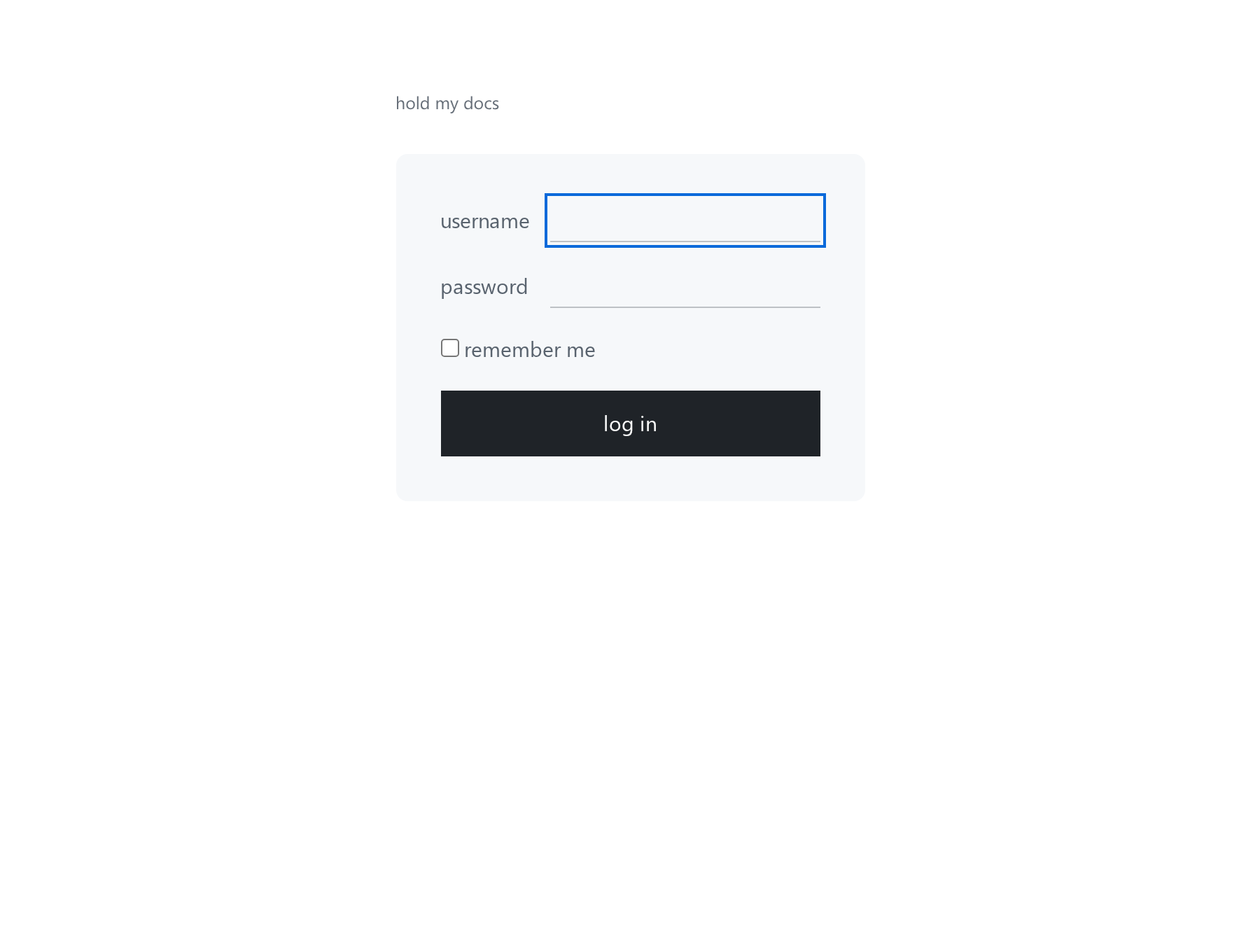
-
Follow First-Run Setup to name your wiki and create its first namespace.
-
Stop HMD with Ctrl+C. Later starts do not need the administrator variables:
HMD_SERVER_BIND=127.0.0.1:8080 \
HMD_SERVER_REPO_DIR=./data/repo \
HMD_APP_DIR=./data/app \
./hmd
Keep both data folders: they hold your pages, accounts and settings. To keep HMD running after you log out and start it at boot, see Run as a service below.
Option 2: Docker Compose
The image is ghcr.io/soollabs/holdmydocs, tagged with each release. Use a release tag: latest follows unreleased development.
-
Find the latest release tag:
curl -fsSLo /dev/null -w '%{url_effective}\n' https://github.com/soollabs/holdmydocs/releases/latest -
Create
compose.local.yamlin an empty directory, replacing<tag>with that tag:services: hmd: image: ghcr.io/soollabs/holdmydocs:<tag> ports: - "127.0.0.1:8080:8080" environment: HMD_ADMIN_USER: "${HMD_ADMIN_USER:-}" HMD_ADMIN_PASSWORD: "${HMD_ADMIN_PASSWORD:-}" volumes: - repo:/data/repo - app:/data/app restart: unless-stopped volumes: repo: app:127.0.0.1keeps the wiki reachable only from this computer. The two volumes keep your pages and accounts when the container is replaced. For a hardened setup with Git sync and document search, start from thedocker-compose.yamlin the source repository. -
Generate a password and start HMD:
export HMD_ADMIN_USER=admin export HMD_ADMIN_PASSWORD="$(openssl rand -base64 18)" docker compose -f compose.local.yaml up -d -
Save the password (
printf '%s\n' "$HMD_ADMIN_PASSWORD"displays it), then check readiness:curl -f http://127.0.0.1:8080/_/readyIf it is not ready, read the logs:
docker compose -f compose.local.yaml logs --tail=100 hmd -
Open http://127.0.0.1:8080, sign in as
adminand follow First-Run Setup. The administrator variables are only read on the very first start. Laterdocker composecommands work without them.
Option 3: Build from source
You need Git and the Go version named in the source's go.mod.
git clone https://github.com/soollabs/holdmydocs.git hmd
cd hmd
git checkout "$(git describe --tags --abbrev=0)"
go build -o hmd ./cmd/hmd
Then continue from step 2 of Option 1 above.
Run as a service
On Linux, systemd keeps HMD running in the background, starts it at boot and restarts it after Shut down.
-
Create a user and data folders for HMD, and install the binary:
sudo useradd --system --home-dir /var/lib/hmd --create-home hmd
sudo install -d -m 700 -o hmd -g hmd /var/lib/hmd/app /var/lib/hmd/repo
sudo install -m 755 hmd /usr/local/bin/hmd
To keep the pages and accounts from your trial, stop it and copy them across first:
sudo cp -a data/app data/repo /var/lib/hmd/ && sudo chown -R hmd:hmd /var/lib/hmd. -
Create
/etc/systemd/system/hmd.service:[Unit] Description=Hold My Docs After=network-online.target [Service] User=hmd Environment=HMD_SERVER_BIND=127.0.0.1:8080 Environment=HMD_SERVER_REPO_DIR=/var/lib/hmd/repo Environment=HMD_APP_DIR=/var/lib/hmd/app ExecStart=/usr/local/bin/hmd Restart=always [Install] WantedBy=multi-user.targetOn a fresh install with no trial data, also add
Environment=HMD_ADMIN_USER=adminandEnvironment=HMD_ADMIN_PASSWORD=...for the first start, then remove them. -
Start it and check it:
sudo systemctl enable --now hmd
systemctl status hmd
Docker installs already restart automatically through restart: unless-stopped.
Before exposing HMD to a network
These examples are local trials. Before sharing the wiki:
- Put HTTPS in front of HMD and set its public URL and trusted proxies: Reverse Proxies.
- Review accounts, permissions and public namespaces: Authentication And Access.
- Back up both the content repository and application state, and test recovery: Storage And Recovery.
- Plan upgrades: Upgrade HMD.
Add an HTTPS Git remote later with Git Sync. PDF and Office attachment search is optional; see Attachments for the Apache Tika requirements.
Common pitfalls
- Port 8080 is in use. Docker: change the first
8080in the port mapping, for example127.0.0.1:8081:8080. Binary: setHMD_SERVER_BINDto127.0.0.1:8081. Use the new port in the browser and readiness check. sha256sum: command not foundon macOS. Useshasum -a 256 --ignore-missing -c SHA256SUMS.unsafe data directoryat startup. The data folders must belong to the user running HMD and be private:chmod 700them. Do not make them more open.- First account not created. Set both bootstrap variables with a unique password of at least 12 characters. HMD rejects weak or placeholder passwords; the startup logs give the reason.
- Remote unavailable. A local save can still be waiting for a background push. See Git Sync.
Stop or remove a local trial
- Docker:
docker compose -f compose.local.yaml downstops the stack and keeps the volumes. Add--volumesonly to delete all pages and accounts. - Binary: stop the process. Delete
data/repoanddata/apponly if you no longer need them or have a verified backup.
Next steps
Continue with First-Run Setup, then Your First Wiki. If startup fails, use Troubleshooting.