Link pages with wiki-links, follow backlinks, and find pages with search.
Links
- Link another HMD page with a title-only wiki-link:
[[Pages]]. - Wiki-links resolve by exact page title, preferring the current namespace, then other namespaces.
- There is no pipe alias (
[[Backups|backup]]does not work). For custom link text or external URLs, use a Markdown link:[the HMD website](https://example.com). - A wiki-link to a missing page renders with a trailing
+and opens the create flow. - Links inside fenced code blocks are not treated as wiki-links.
- Below the content, the backlinks widget lists every page that links to the current one:
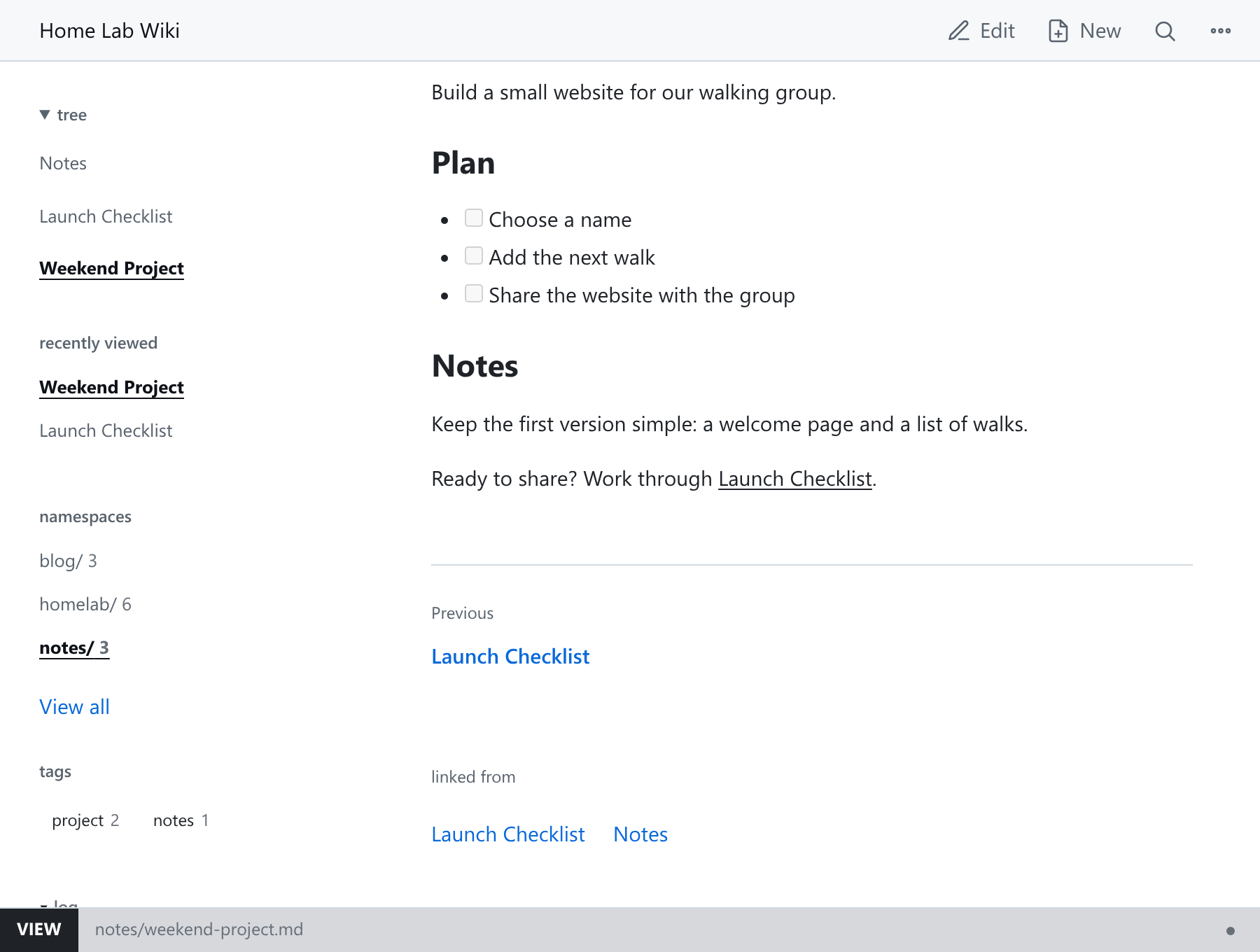
Table of contents
Put <!-- hmd:toc --> anywhere in a page to list every page in the current namespace, sorted by title, excluding the namespace index page. The token must be exactly as written. Other namespaces are never listed.
To include only pages matching any of some tags, add them after the colon:
<!-- hmd:toc:operations,git -->
Search
- Press
ctrl-k(cmd-kon macOS) or/to open the command palette. - Type to search pages and attachments.
- Press
>for verbs such as>newand>ns. - Choose the create row to start a new page from your query.
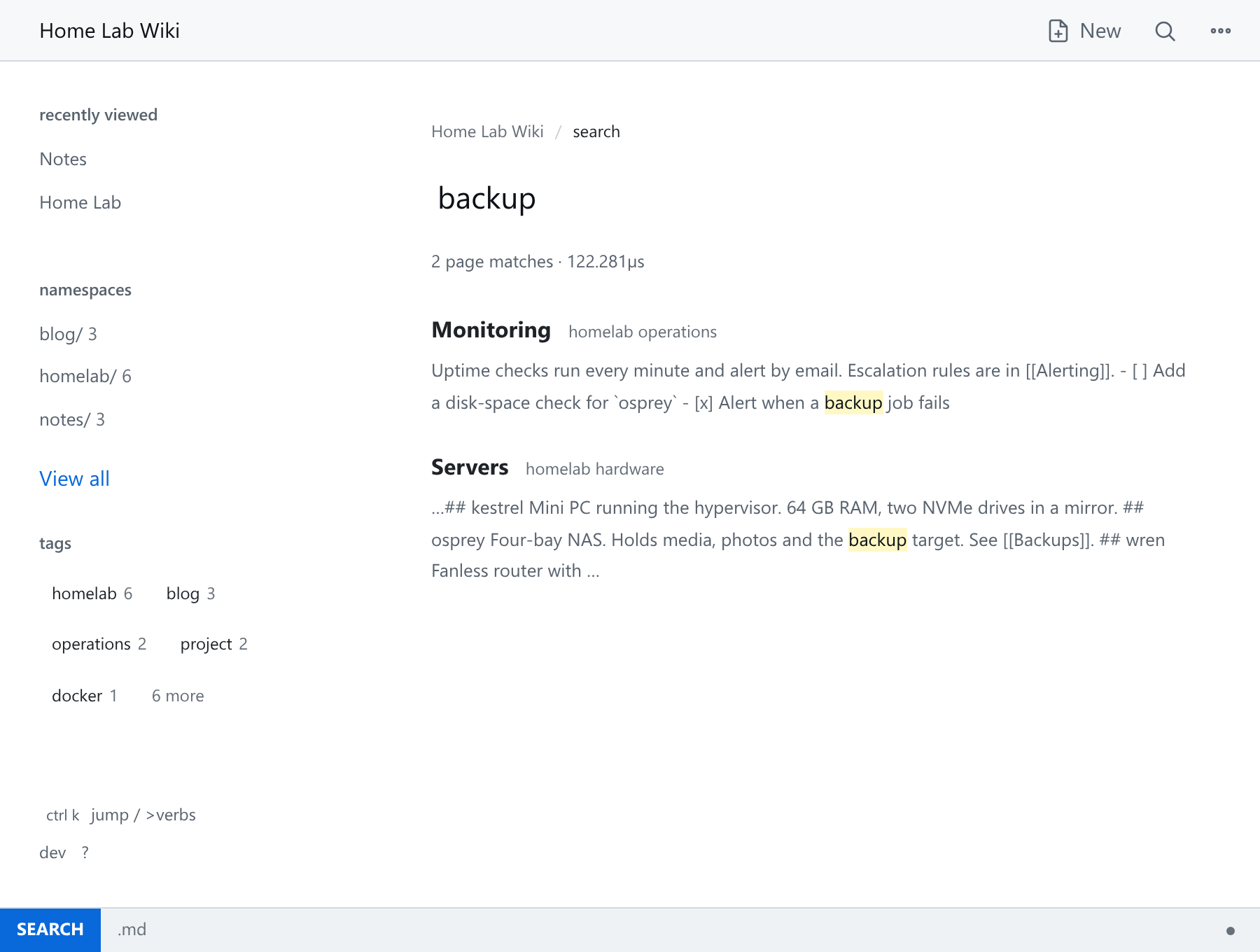
The full search page is at /_/search?q=...:
Next steps
Pages, Markdown And The Editor, Namespace Configuration Reference.