Accounts, scopes, tokens, OAuth, OIDC and browser write protections.
Accounts and scopes
- With no
users.json, HMD creates the first account fromHMD_ADMIN_USERandHMD_ADMIN_PASSWORD, withread,writeandadminscopes. - Use at least 12 characters and at most 72 bytes, with no control characters. Common placeholders and the user name (case-insensitive) are rejected for every new password.
- Remove both variables after that first start. They are ignored once
users.jsonexists; changing them does not change an account. Administrators see a dismissible warning while either remains configured.
- Scopes are
read(view pages),write(edit pages) andadmin(administrator, including read and write). Every user needs at least one scope. Earlier versions called the admin scopesettings. Stored users, tokens and OAuth connections are migrated automatically; replacesettingswithadmininoidc.default_scopesand in any OAuth client that requests it.
Add a user
- Open Settings → Users.
- Enter a username and a password of at least 12 characters, and tick their scopes.
- Click Create user, then give them the password.
You can change a user's scopes later in the same list; this signs them out. The first administrator is an ordinary account and appears here too. You cannot remove your own admin access, and HMD refuses to demote or delete the last administrator.
- Sessions expire after 30 days. A new login replaces the user's previous session. Log out to revoke the current one immediately.
- Local login throttles repeated failures by source and user.
Change or reset a password
Password users can open Settings → Password, enter their current password and enter the new password twice. The new password must differ from the current one. This keeps the current browser session and signs out any others. The form requires a browser session; access tokens cannot change passwords.
Administrators can use Reset password beside a password user in Settings → Users and enter the new password in the dialog. A reset signs that user out everywhere but keeps their access tokens and OAuth connections. Single sign-on accounts have no local password; their identity provider manages it.
Delete a user
An administrator can use Delete beside another user and confirm. Deletion removes the account, browser sessions and personal access tokens, and revokes its MCP OAuth connections, including stored grants while OAuth is disabled. You cannot delete your own account; ask another administrator. To change a username, create a new account and delete the old one.
An admitted OIDC user can be created again at their next single sign-on. Change OIDC admission or disable the identity at the provider if they must not return.
Recover administrator access
Stop HMD, then run hmd -reset-admin <user> against the same app directory. It reads a new password without echo in a terminal, or reads one line from stdin for containers and scripts. It creates the account if needed and gives it all three scopes. An existing single sign-on username is refused; choose a different name when recovering from a broken identity provider. If local login is disabled, enable oidc.local_login before starting the server again.
For Docker Compose:
docker compose stop hmd
docker compose run --rm hmd -reset-admin recovery-admin
docker compose up -d hmd
Both serving and recovery hold users.json.lock; recovery refuses to run while a server uses that app directory. Removing the bootstrap environment variables does not prevent recovery.
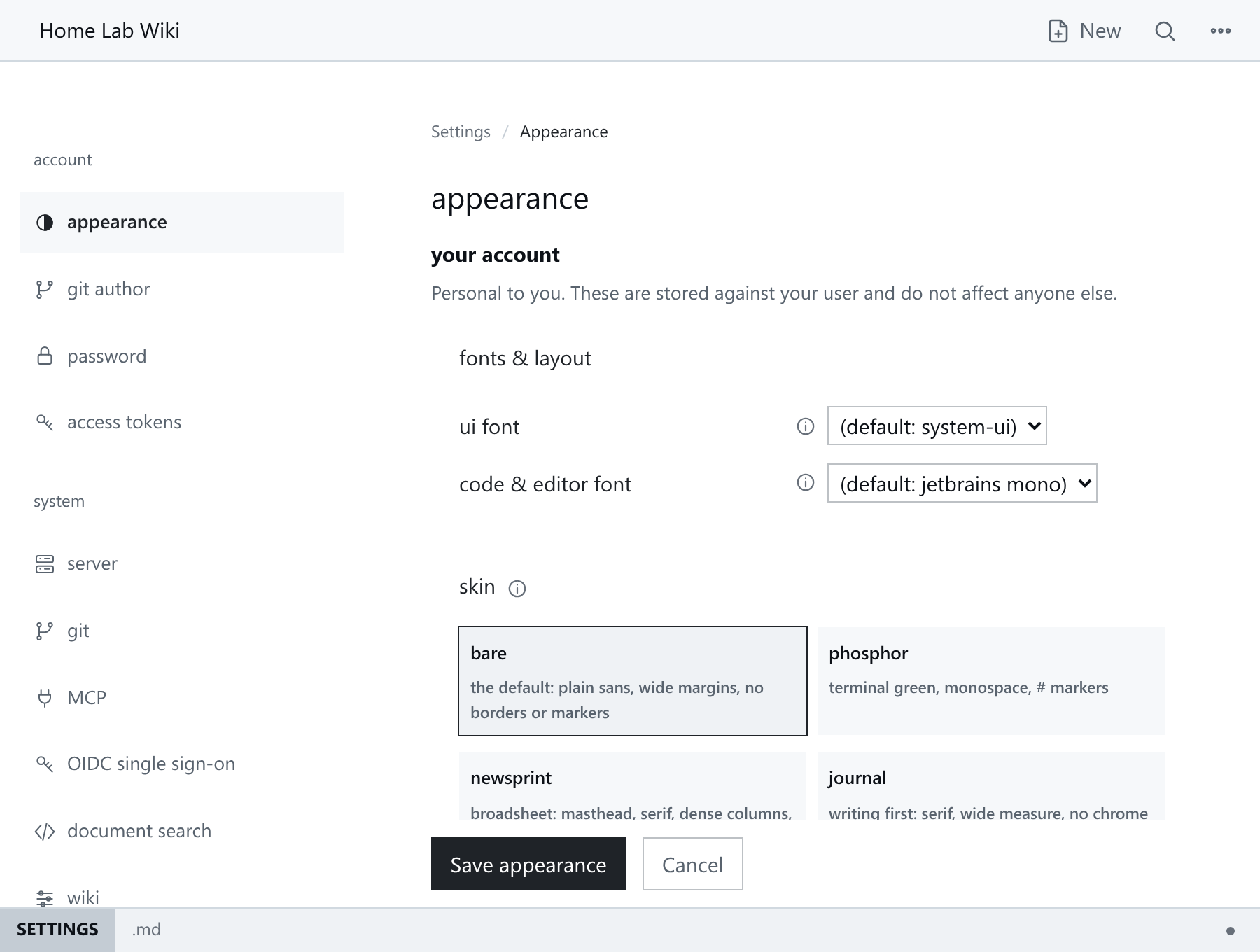
Skin, palette and font preferences are stored per account in users.json and edited at /_/settings/appearance:
Personal access tokens
Use personal access tokens (PATs) for scripts and MCP, never browser cookies. See Personal Access Tokens.
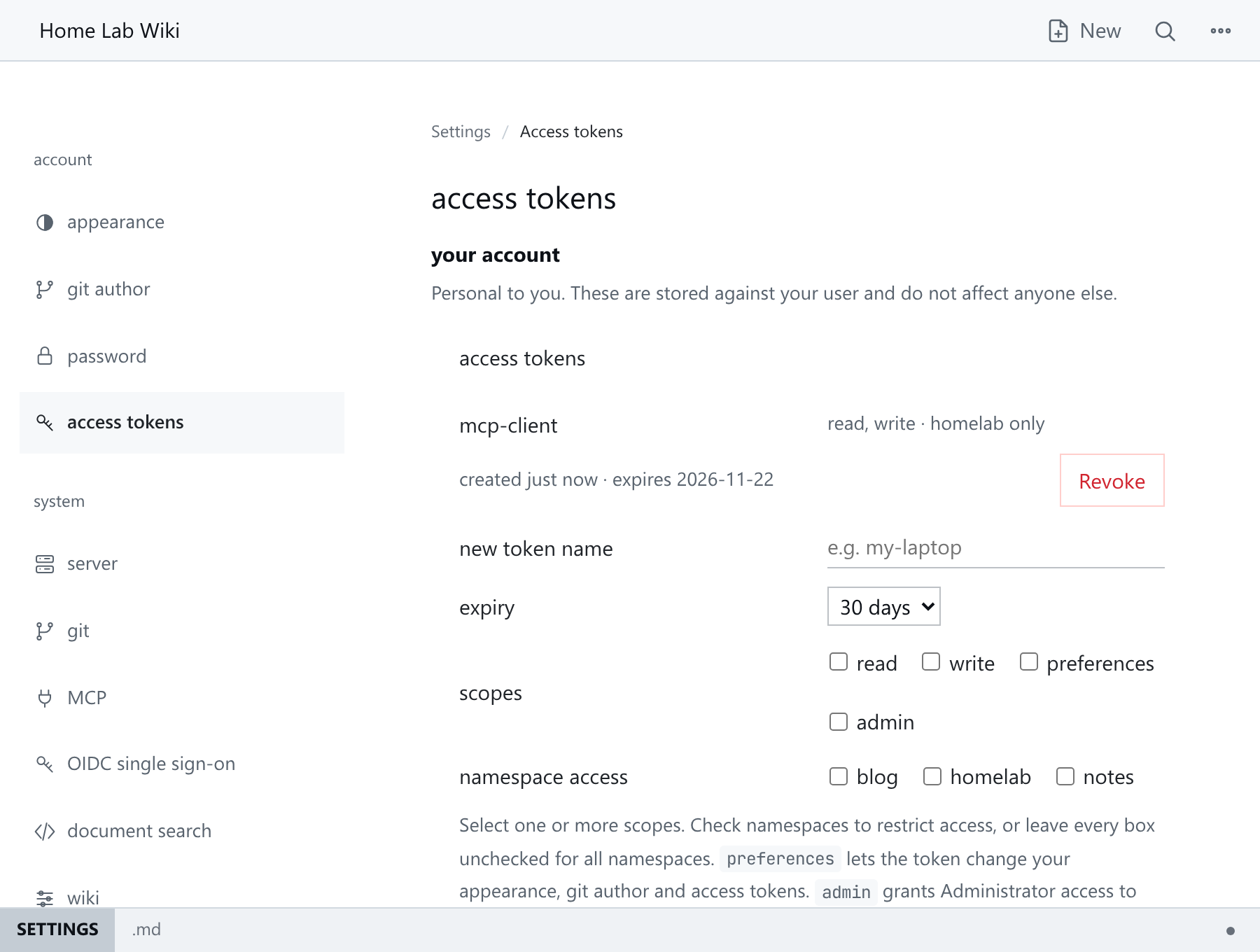
- Each token has a label, an expiry, explicit scopes and an optional namespace allowlist.
- The value is shown once. HMD stores only a SHA-256 digest.
- Revoke a token by label at
/_/settings/access-tokens. - Changing a user's scopes also limits their tokens from the next request.
MCP OAuth
OAuth is an opt-in alternative to PATs for MCP clients. Setup and client registration are in MCP Integration, backup and restore in Storage And Recovery.
- Users sign in with the local form or OIDC, then approve the client's actions and namespace access.
- Review and disconnect grants at
/_/settings/connections. Disconnecting revokes the grant's access and refresh tokens. - OAuth access tokens authenticate only
/_/mcp. - Clients exchange refresh tokens at
/_/oauth/tokenfor a new access/refresh pair. Refresh tokens never authenticate MCP requests. - Refresh tokens rotate on use. Reusing an old one revokes its token family.
- Authorisation codes are single use. Replaying one revokes the credentials derived from it.
- Clients must serialise token requests.
- Revoke either token type at
/_/oauth/revoke(RFC 7009).
OIDC
OIDC is disabled until oidc.issuer is set. It also needs a client ID, a client secret and a public HTTPS server.base_url.
- Register
<server.base_url>/_/auth/oidc/callbackwith the provider. - Supply the secret with
HMD_OIDC_CLIENT_SECRETor a private file named inoidc.client_secret_file. It cannot be edited in the UI, andoidc.client_secretinconfig.yamlmakes loading fail. - Choose who is admitted:
oidc.allowed_subjects,oidc.allowed_email_domains, oroidc.allow_any_authenticated: trueto leave admission to the provider.
- Users are identified by verified issuer and subject, not display name or email.
- Admitted users are provisioned on first login with the configured default scopes.
- Email-domain admission accepts only verified email claims.
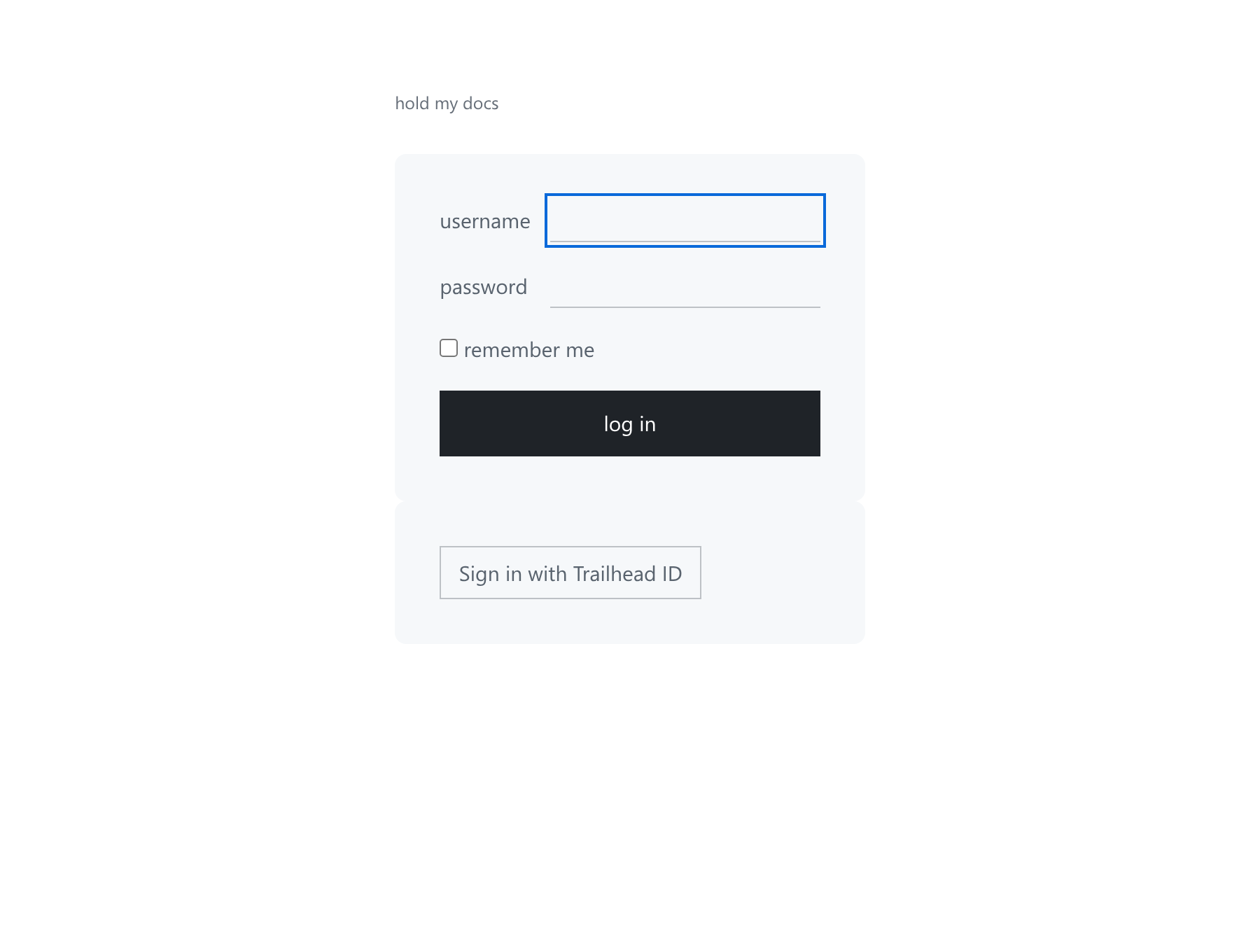
- A provider outage blocks OIDC login only. Existing sessions and local login (if enabled) keep working.
Who can write
Anyone with write can put raw HTML in a page, and a public namespace shows it to every visitor. Only give write on public namespaces to people you trust.
See Reverse Proxies before serving HMD through TLS termination.