A skin sets presentation (typography, spacing, borders, markers, statusline segments). A palette sets colours. Both are per-user choices in /_/settings and never change page storage, namespace composition, or the wiki landing path.
Skins
Choosing a skin resets the palette to its pairing and the fonts to the skin's own, unless you pick them afterwards.
| Skin | Look | Default palette |
|---|---|---|
bare |
The default. Plain sans, wide margins, no borders or markers. | neutral |
phosphor |
Terminal green, monospace, # markers; links invert on hover. |
phosphor |
newsprint |
Broadsheet: a centred masthead between double rules, serif, pull quotes. | flexoki |
journal |
Writing first: serif, paper grain, a wide reading measure. | everforest |
soft |
Rounded and low-contrast: warm sans, a floating top bar, callout cards. | rosé pine |
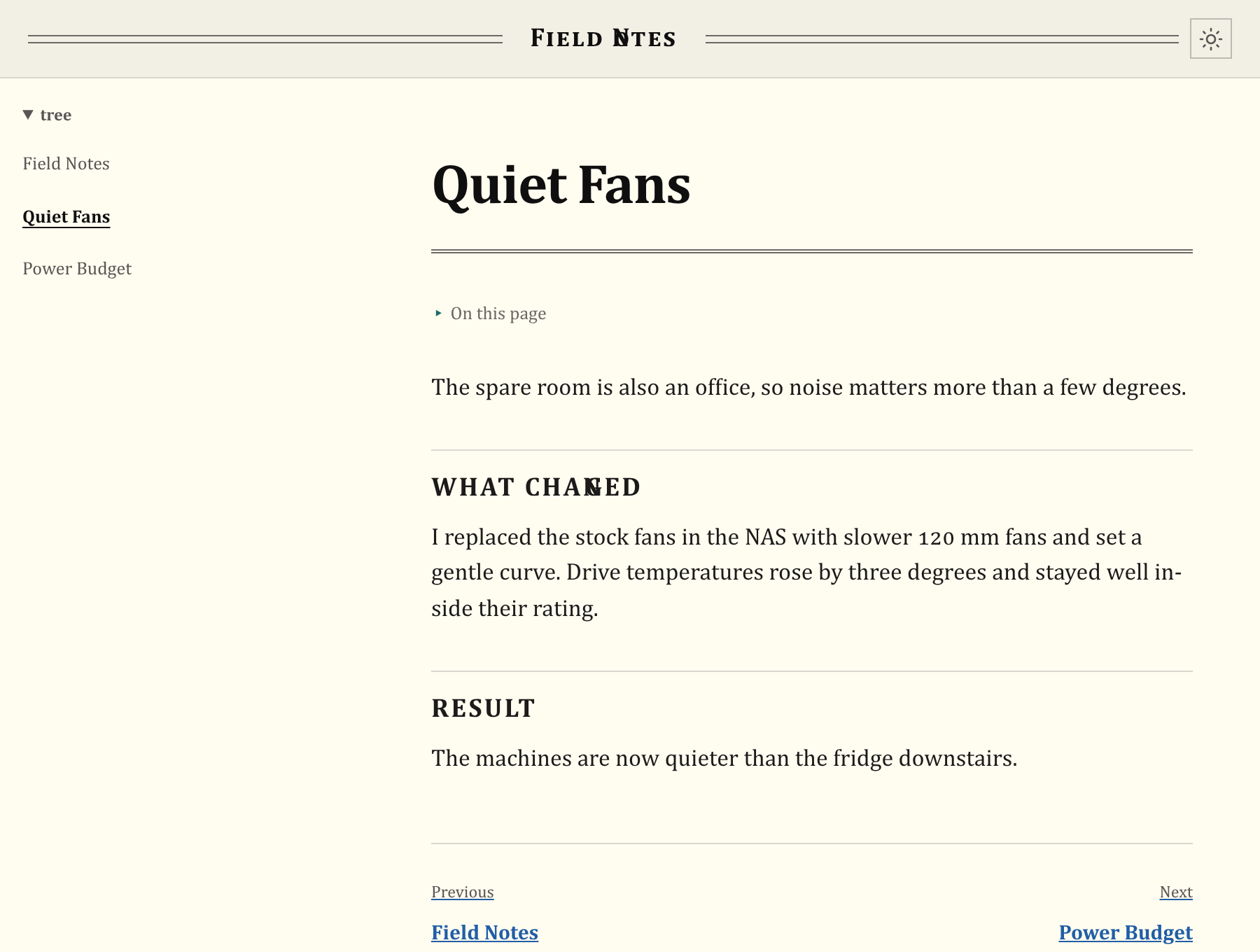
Palettes
Ten palettes, each with light and dark variants: neutral, phosphor, dracula, everforest, flexoki, gruvbox, nord, rosé pine, solarized, tokyo night.
Light, dark, and system mode
The theme control in the top bar cycles System, Light, Dark. System is the default and follows your device, including live changes.
An explicit light or dark choice is kept in this browser's local storage; choosing System clears it. It is separate from your skin and palette and also applies to anonymous public pages.
How skin and palette interact
- Picking a palette after a skin is remembered (
palette_explicit), and the skin stops overriding it. If a skin change "loses" your palette, pick the palette again. - A namespace's
skinandpalettekeys in.namespace.yamlset what anonymous and public viewers see. Signed-in users keep their own choices, so you may see a different look from anonymous visitors. See Namespace Configuration Reference. - The install-wide default skin is
server.skin/HMD_SERVER_SKINinconfig.yaml; see Configuration Reference.
Next: Limitations.